How to play
Put yourself on the map
Choose a guide below to learn the basics of Map'd.
How to play
Map'd
In a round of Map’d two locations are chosen as end points. The goal is to guess a location as close as possible to the midpoint.
The closer your guess, the better your score.
Start a single or multiplayer game
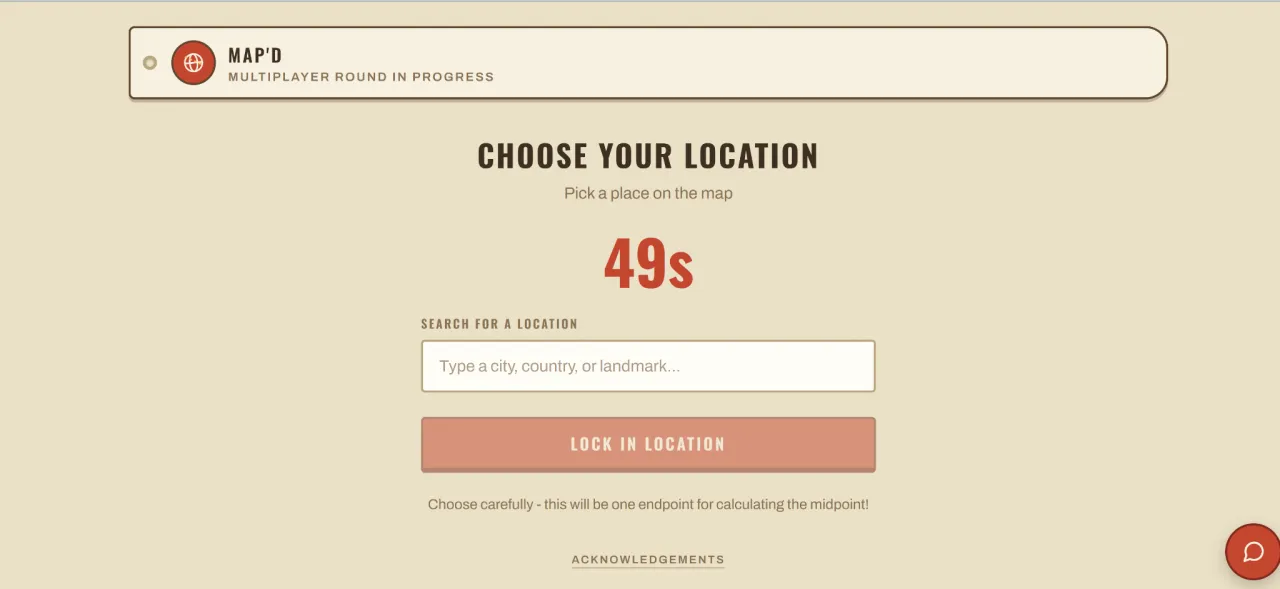
Choose a location
Both locations are revealed
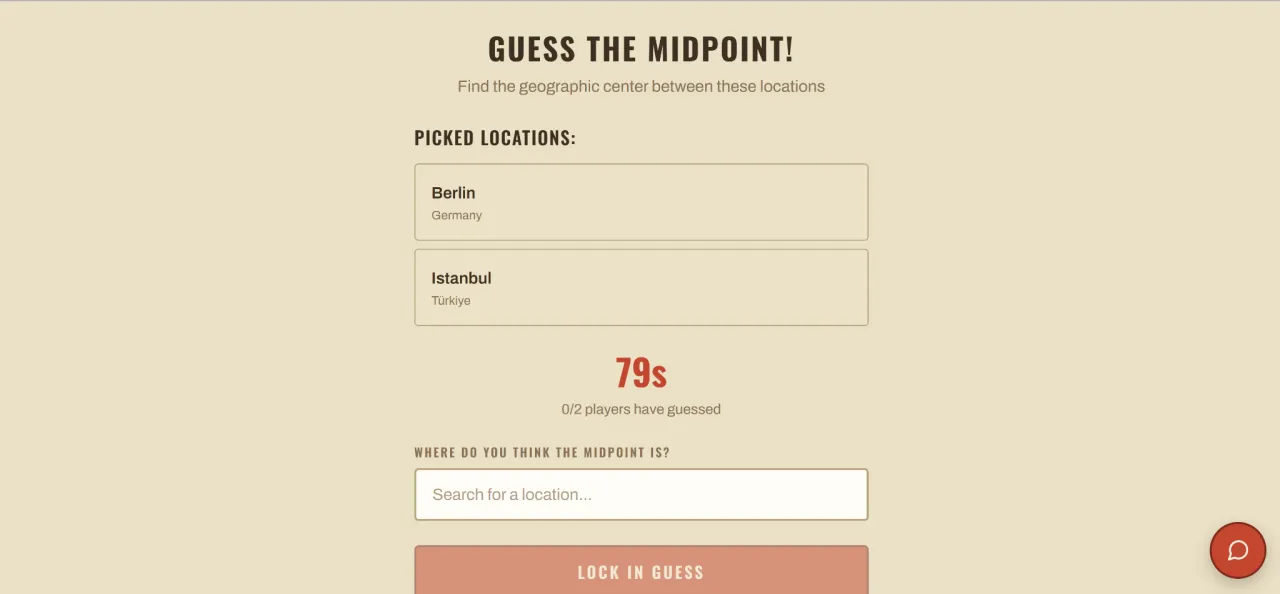
Guess the midpoint!
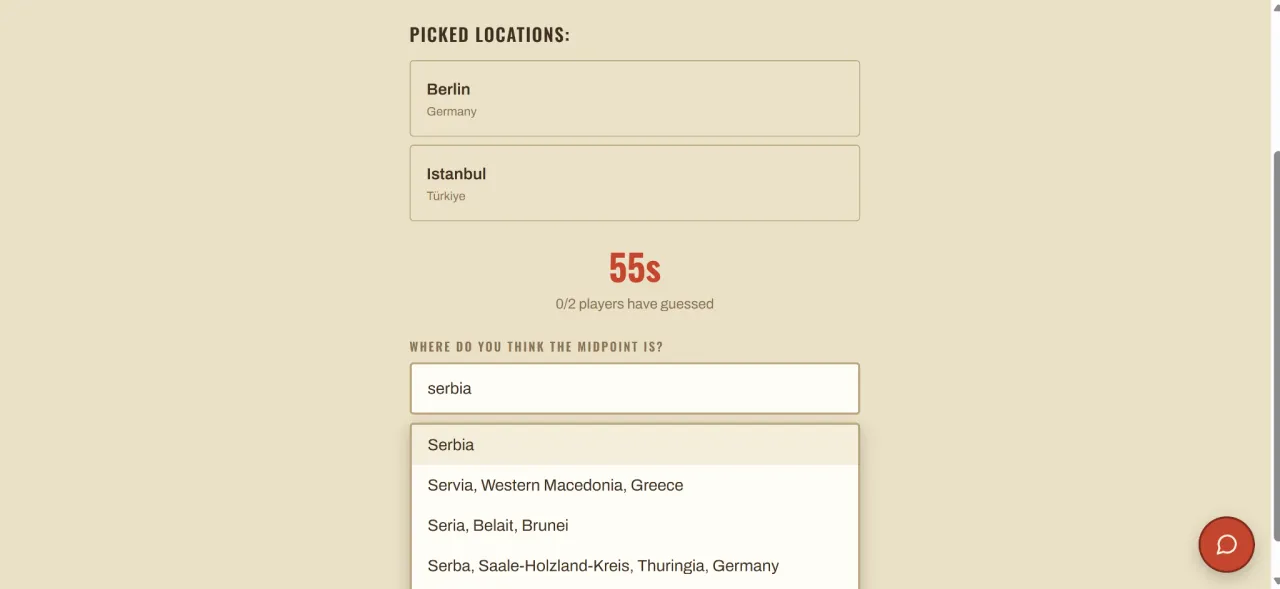
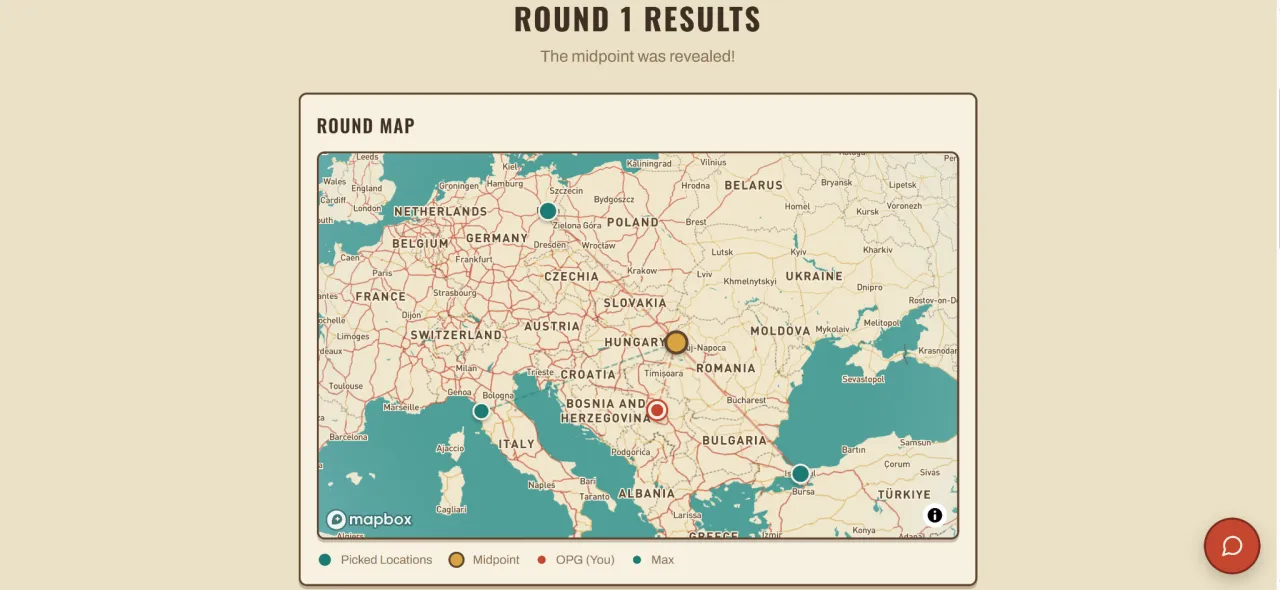
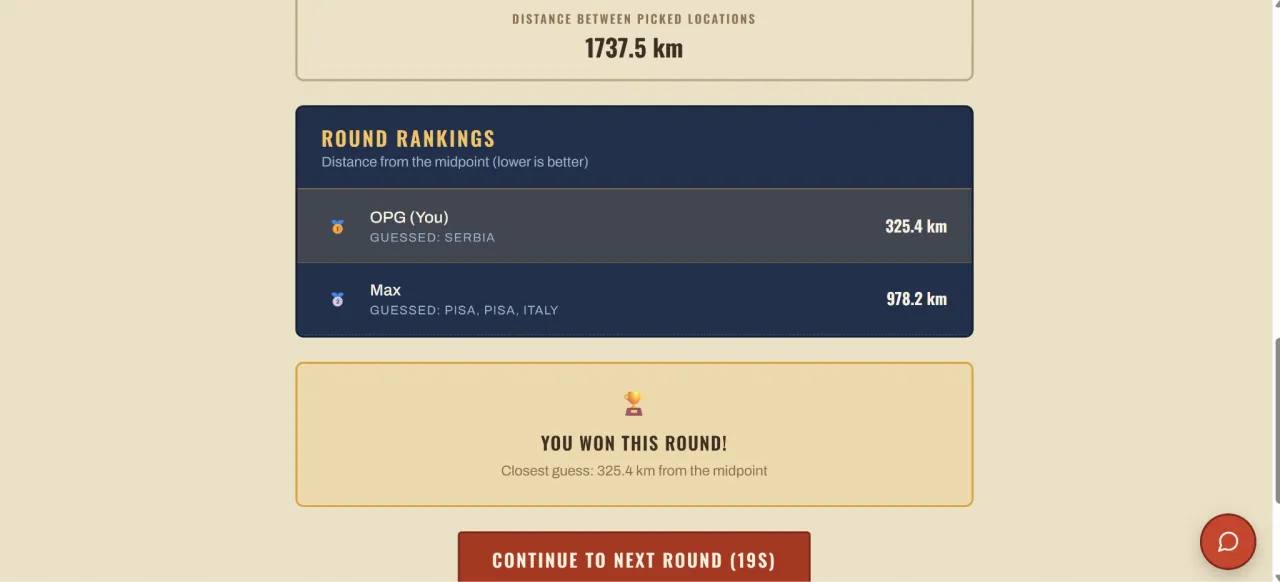
The midpoint and player's answers are revealed
See if you have won the round
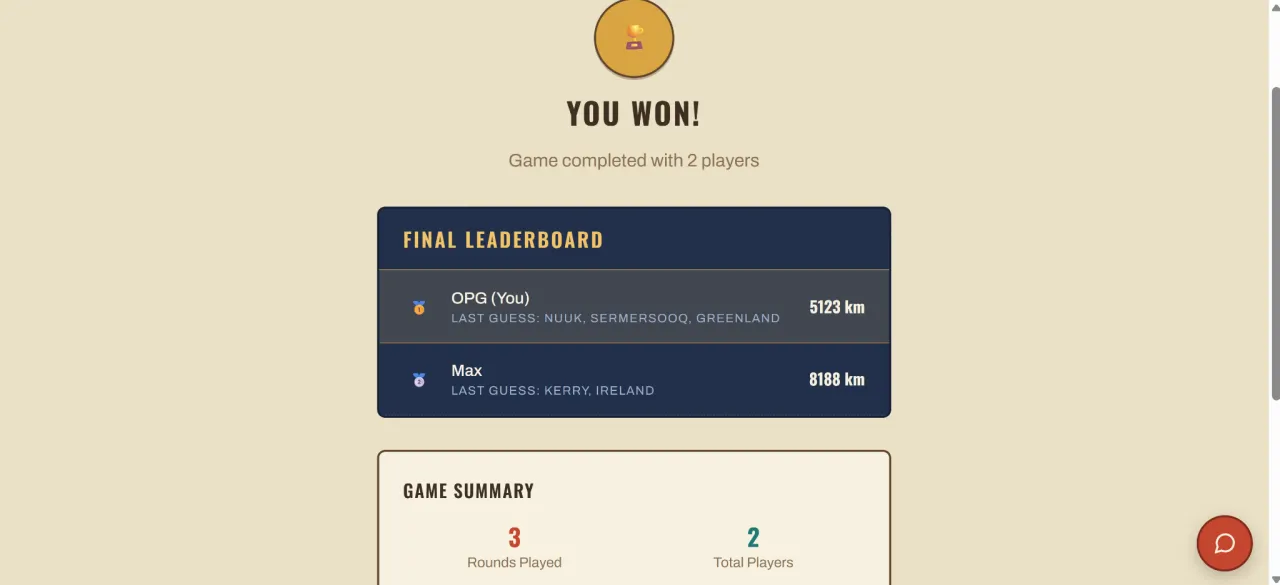
Multiple rounds can make up one match. The player with the lowest score after all rounds wins the match.
How to play
Survival
In a round of Survival two locations are given as end points. The goal is still to guess as close as possible to the midpoint.
However, in Survival a circle is drawn around the midpoint. Answers outside the circle will end the game; an answer within the circle progresses you to the next round.
The more rounds you survive, the better your score.
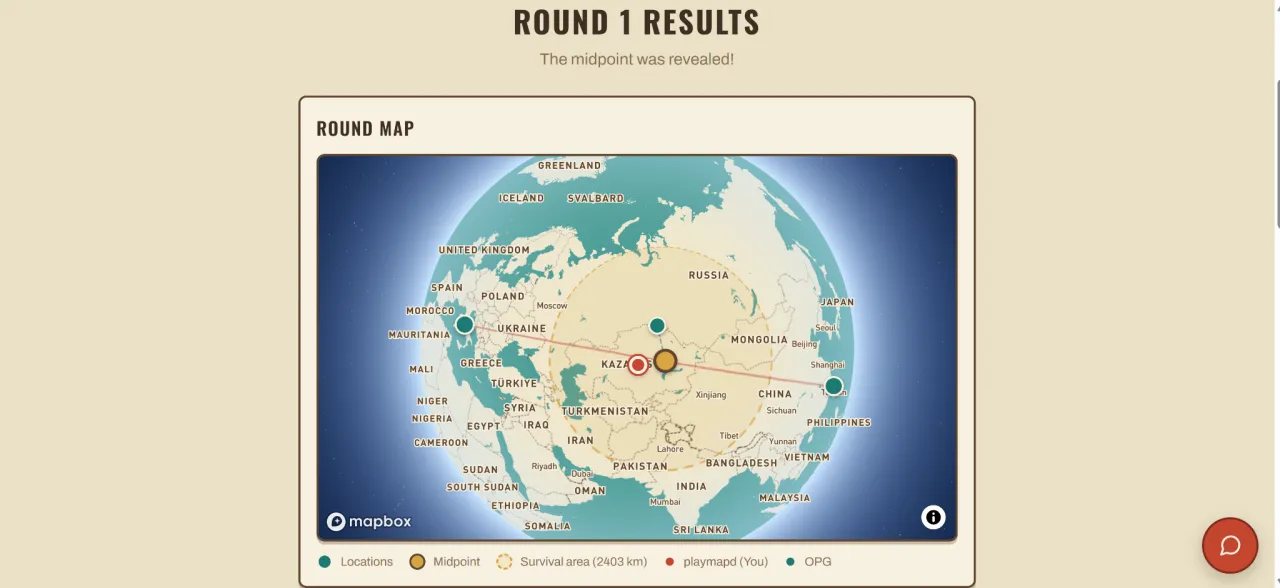
Start a single or multiplayer game
Locations are provided and the size of the survival circle is displayed
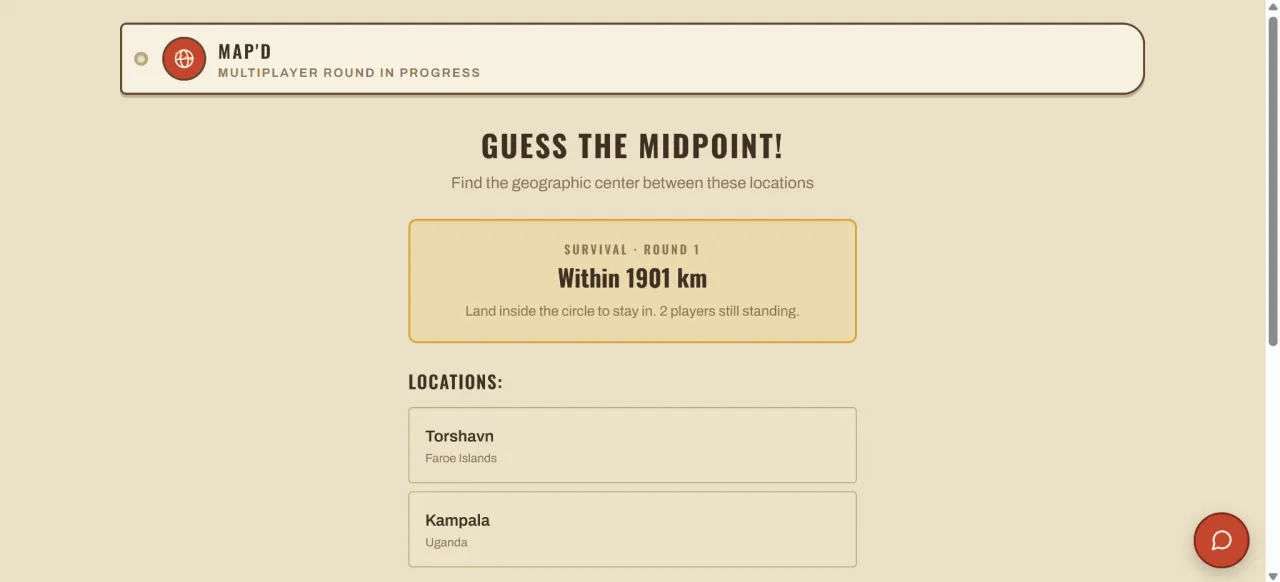
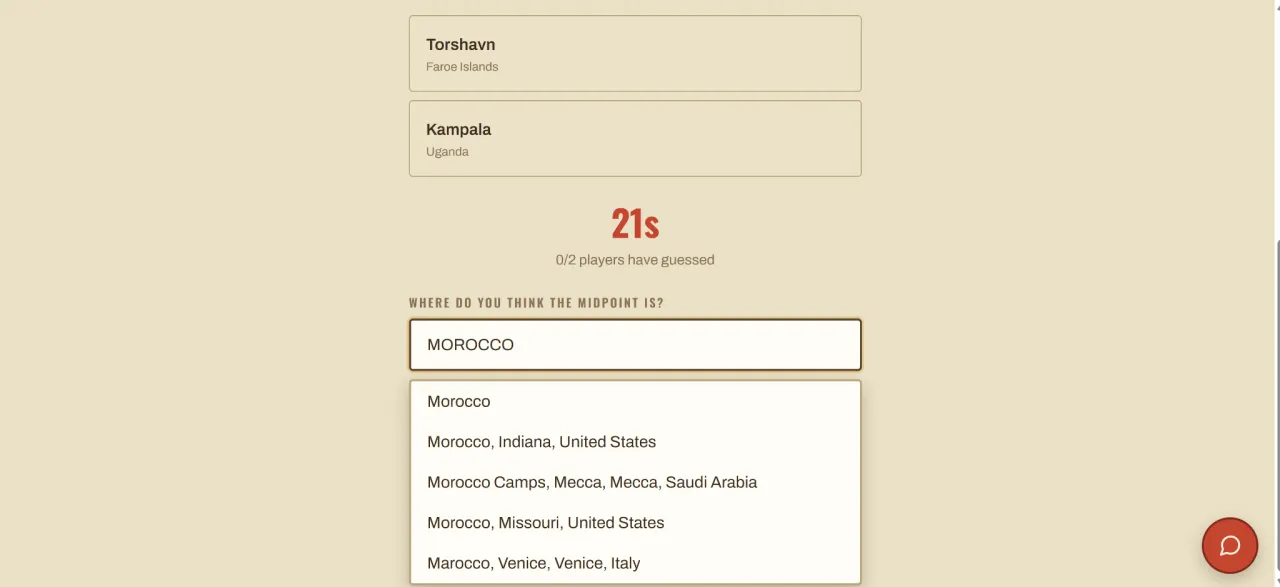
Lock in your guess!
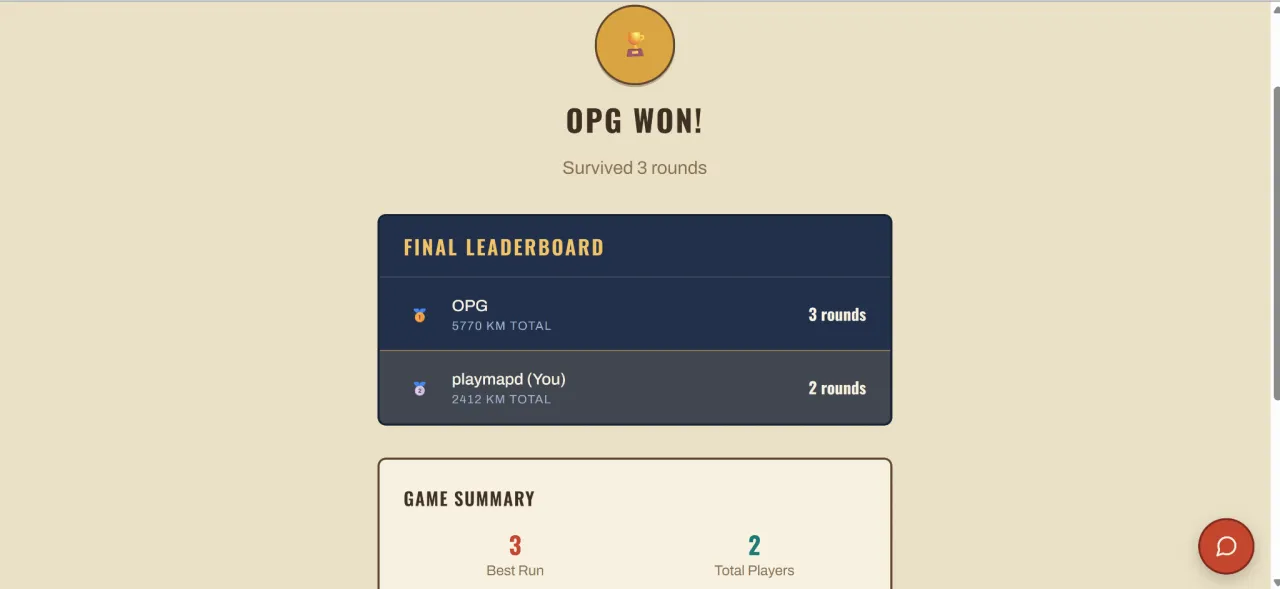
Guesses are revealed — players inside the circle progress to the next round
Players are eliminated when a guess falls outside the circle
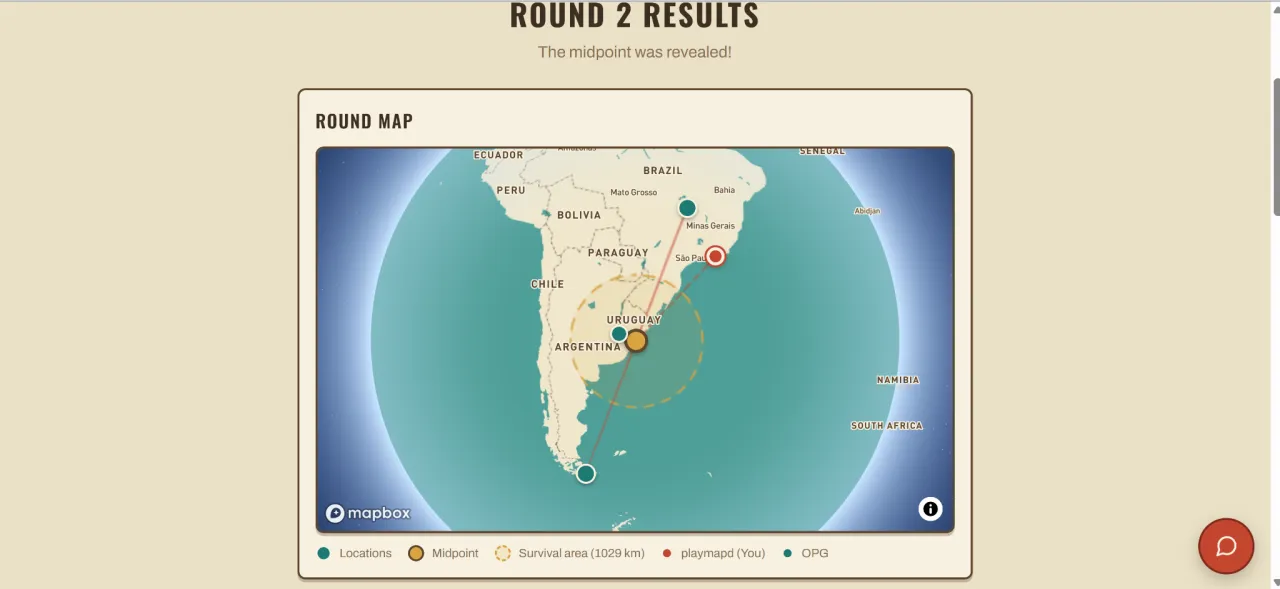
Last player standing wins!